
Best DJ Controllers for iPad and Phone: What to Check Before Buying
For phone or tablet DJing, the best controller is not simply the smallest. You need confirmed app support, reliable audio routing, power that works with your device and proper wired headphone cueing.
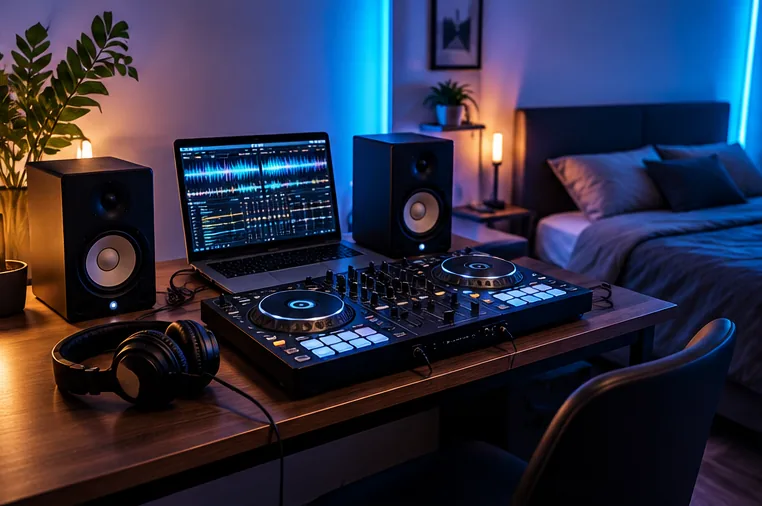
AlphaTheta DDJ-FLX2
Strong fit for beginners who prioritise portability and supported mobile workflows. Check the exact app and operating system before purchase.
DDJ-FLX4
A larger two-channel option with broad desktop/mobile positioning and a built-in audio interface for speakers and wired headphones.
Numark MixTrack Go
Designed around portable use and officially documented with djay on iOS/Android as well as desktop Serato/VirtualDJ options.
Your existing controller
Some older class-compliant devices may work, but official support and audio routing can vary. Do not buy an adapter and assume compatibility.
Five checks before you buy
- App support: confirm your exact iOS/iPadOS/Android version on the software maker's hardware list.
- Audio interface: make sure you can send master audio to speakers while cueing in wired headphones.
- Power: understand whether the controller needs external power, bus power or a powered hub.
- Connector: USB-C simplifies many modern setups but cables and adapters still matter.
- Music source: streaming-library restrictions can differ from locally stored tracks.
Why Bluetooth is not the answer for cueing
Bluetooth may be convenient for browsing music, but normal Bluetooth latency is unsuitable for precise DJ monitoring. Use the controller's wired headphone output or a genuinely low-latency DJ-specific wireless system.
Best route for most beginners
If you expect to progress to a laptop later, choose a controller that works in both mobile and desktop workflows. That gives you an inexpensive way to start without turning the first controller into a dead end.
Check the products mentioned in this guide
Paid links. FirstFader may earn a commission from qualifying purchases at no extra cost to you. Check the exact model, seller, price and delivery terms before ordering.
Amazon links are search links so availability can vary. Read the affiliate disclosure.
Official sources and further reading
Features, compatibility, licences and software behaviour can change. Check these original provider resources before buying equipment or relying on a feature at a gig.