
How to Connect a DJ Controller to a PA System
A gig-focused guide to balanced outputs, mixer inputs and sensible gain staging.
The short answer
A gig-focused guide to balanced outputs, mixer inputs and sensible gain staging. The right choice depends on your equipment, intended use and how much complexity you actually need.
Build one clean signal path
Run the controller’s master output into an appropriate line-level input on the PA speaker, mixer or venue system.
Keep the controller out of clipping, set the downstream gain sensibly, and use balanced outputs for longer runs when the hardware provides them. A simple, known signal path is much easier to troubleshoot than a chain of adapters.
Do not connect line output to the wrong input type
Microphone and phono inputs expect very different signal levels from a DJ controller. A connector may physically fit while the gain structure is completely wrong. Check the labels on both devices and use a line input unless the manufacturer specifically instructs otherwise.
Soundcheck the complete path
Test the exact controller, cables and PA before the event. Play a familiar track, verify left and right channels, confirm the booth or monitor feed if used, and keep a spare cable for the connection that carries your master signal.
Common PA connection scenarios
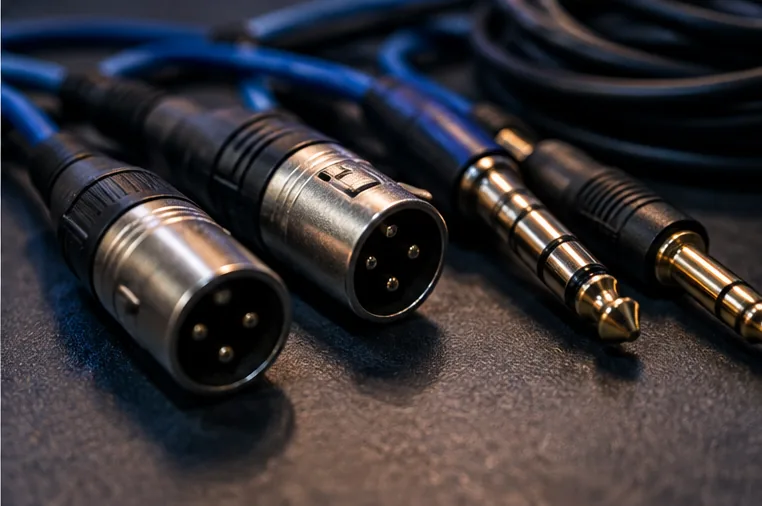
If the controller has balanced XLR master outputs and the PA has XLR line inputs, that is usually the simplest event connection. Controllers with balanced TRS outputs can often connect to TRS or XLR line inputs with the correct cable.
Smaller controllers with RCA master output can still feed a PA, but keep the cable run sensible and use the correct line-level input.
If the venue provides an analogue mixer, connect the controller to a stereo line channel or two suitable line inputs rather than guessing at microphone or instrument inputs. Ask the venue contact which input they expect you to use.
Set gain in a predictable order
Start with the PA or venue mixer at a conservative level. Play a well-mastered track, set the controller channel gain so it is healthy without clipping, then raise the controller master to a sensible working position. Bring up the venue mixer or speaker input last until the room reaches the required level.
This order makes troubleshooting easier because each stage has a clear job. Avoid running one device almost silent and another at maximum gain; a balanced gain structure leaves useful headroom and usually lowers noise.