
Choosing a DJ Controller for a Teenager
Focus on durability, software simplicity, headphone cueing and room to progress.
The short answer
Focus on durability, software simplicity, headphone cueing and room to progress. The right choice depends on your equipment, intended use and how much complexity you actually need.
Prioritise simplicity, durability and room to grow
For a teenager, the best first controller is usually one that is easy to connect, works with accessible software and has proper headphone cueing. Physical size, robust knobs and faders, and a layout that teaches standard DJ habits are often more important than a long list of effects.
Do not buy features they cannot use yet
A larger four-channel controller can look more impressive but may make the first weeks harder and cost much more. Start with the controls needed to load tracks, cue, beatmatch, EQ and mix, then upgrade when the learner can explain what their current setup is preventing them from doing.
Build a complete first setup
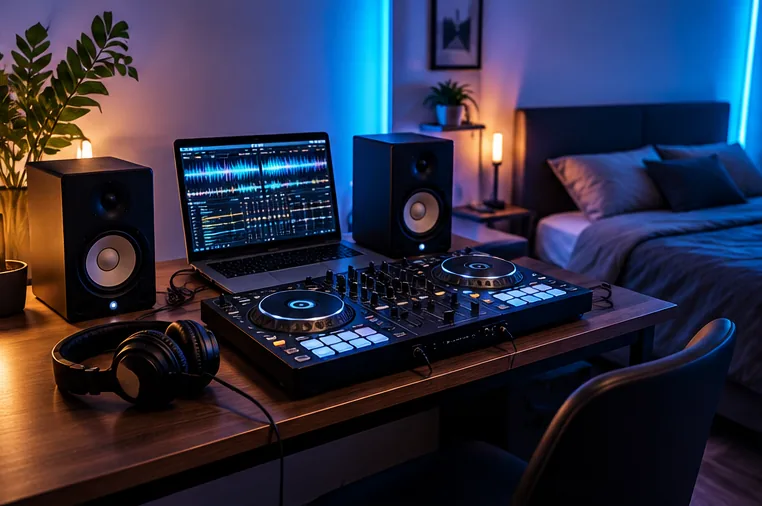
Budget for headphones, a computer or supported mobile device, legal music and a simple way to hear the master output. The Setup Builder can help turn the controller choice into a usable system rather than leaving you with one impressive box and missing essentials.
Choose the software experience before chasing extra controls
For a teenager learning at home, simple software setup matters as much as the controller itself. Check that the controller works with the computer, tablet or phone they will actually use and that the software has a clear beginner workflow. A controller that looks impressive but requires a complicated licence or unsupported device can quickly stop being used.
It is also worth choosing a layout that teaches transferable habits: two decks, channel faders, EQ, cue buttons, pitch controls and headphone monitoring. Those basics matter more in the first months than four decks, large effect sections or controls that will rarely be touched.
Make the home setup easy to leave ready
A controller that lives on a stable desk and can be connected in a minute is more likely to be practised on. Add closed-back headphones, a sensible cable route and enough clear desk space for the laptop or tablet. Speakers are optional at first; headphone practice can keep volume under control while still teaching cueing and timing.
If the setup will be shared in a family room, agree where it can stay, when speakers can be used and how music files will be backed up. Removing those small practical barriers often matters more than buying a more expensive model.