
How to Clean a Used DJ Controller Safely
Basic exterior care for buttons, faders and jog wheels without risking the electronics.
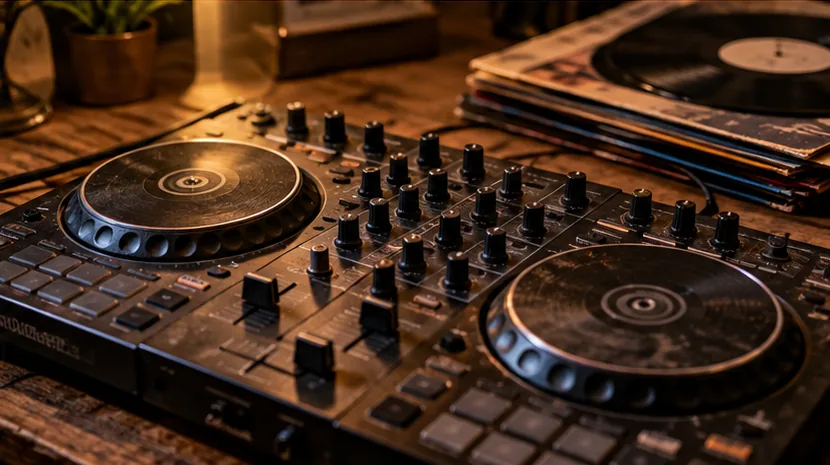
Switch off and disconnect first
Unplug the controller from USB, power, speakers and headphones. Follow the maker's cleaning guidance where available. Do not spray cleaner directly into buttons, sliders, sockets or ventilation openings.
Do not use aggressive solvents, household degreasers or soaking-wet cloths; labels, coatings and plastics may react badly, and liquid entering electronics can cause damage.
Start with gentle dry cleaning
Use a soft microfibre cloth to lift fingerprints from flat surfaces. A soft clean brush can dislodge loose dust around controls without forcing debris into the housing. Do not scrape jog wheel coatings with hard tools.
Treat cracked buttons, loose shafts or a bent fader cap as mechanical faults rather than dirt that can be scrubbed away.
Use damp cleaning only where appropriate
For stubborn grime, apply a small amount of the manufacturer-approved cleaning product to a cloth, not onto the unit, and gently wipe the exterior. Keep moisture away from seams and openings.
Allow the controller to dry fully before reconnecting. Clean detachable removable accessories separately if recommended. A quick appearance improvement is not worth damaging a functioning board.
Do not guess at internal lubrication
A scratchy audio fader can have wear, contamination or a component fault. Spraying random contact cleaner into an opening can damage lubricants and nearby materials, so consult service instructions or a qualified repairer.
If the unit has liquid-damage evidence, stop and arrange professional assessment. Never open a mains-powered device unless you are appropriately qualified.
Test after cleaning
Reconnect the controller with a safe setup and move each essential control while listening at low volume. Verify the USB socket, master and headphone outputs, knobs, pads and faders. Keep a note of persistent faults so you do not confuse cosmetic improvement with a technical repair.
Related FirstFader guides
- Used inspection checklist
- Used Gear Centre
- Research current and legacy equipment
- Build a suitable DJ setup
Find used controllers and replacement parts
These paid eBay searches are useful when comparing replacement units or looking for common accessories after cleaning and inspecting a second-hand controller.
Listings, condition and prices change continuously. Check the exact item, seller feedback, delivery and return terms before buying. Read the affiliate disclosure.