
Standalone DJ System vs Laptop Controller
Compare portability, preparation, flexibility and cost.
The short answer
Compare portability, preparation, flexibility and cost. The right choice depends on your equipment, intended use and how much complexity you actually need.
Choose the workflow you want to live with
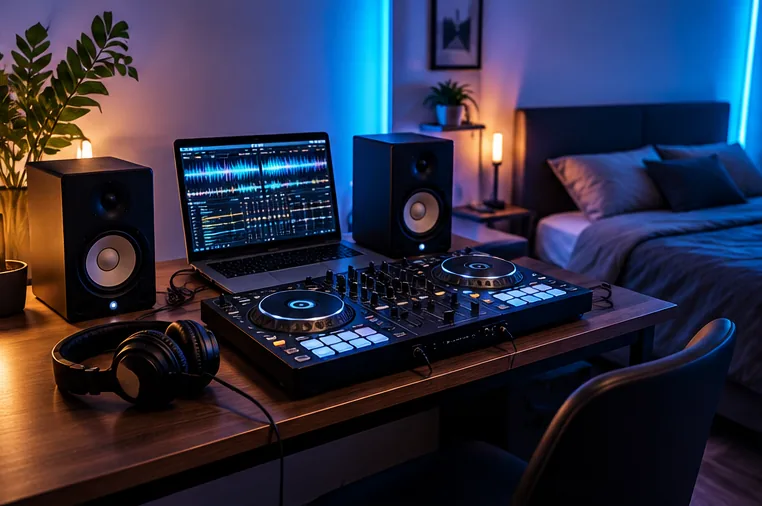
Laptop controllers give you a large screen, flexible software and often a lower cost of entry.
Standalone systems reduce dependence on a performance laptop and can feel closer to club media-player workflows, but they usually cost more and still require good library preparation. Think about where you will play and how you prefer to browse music before choosing.
Do not assume standalone means simpler
A standalone unit removes the laptop from the booth, but you still need to prepare drives, understand the system’s library format and keep backups. It can be a cleaner performance workflow without being a shortcut around learning your equipment.
Test the workflow, not just the hardware
If possible, try browsing a large library on the screen, loading tracks and setting cues before buying. If you already use rekordbox, Serato or another platform, check exactly how much of your existing library preparation transfers to the standalone system you are considering.
The real difference appears in preparation and failure planning
A laptop controller keeps the computer at the centre of the system.
That can make library management, streaming services, software updates and performance features very flexible, but the laptop, USB connection and operating system become part of the live setup.
Standalone hardware removes the performance laptop from the booth, but music still needs to be prepared, exported or synchronised correctly.
For gigs, ask what happens if the main device fails. A laptop DJ may carry a second playback option or prepared USB media. A standalone DJ should still test drives, maintain a backup music source and understand how the player handles libraries created by different software.
Compare total ownership, not only the headline price
A controller may look cheaper until you include a suitable computer, power supply, case and any software plan you need. A standalone system may cost more at purchase but reduce the need for a performance laptop. Neither route is automatically cheaper over several years.
Choose the workflow you would be happy to prepare music for every week. If you enjoy a software-heavy setup and want frequent feature updates, a laptop system can be a strong fit. If you prefer a self-contained booth and prepared media, standalone may justify the extra hardware cost.