
Used Pioneer DJ DDJ-1000: What to Check Before Buying
Used DDJ-1000 buying guide covering jog displays, faders, audio outputs, rekordbox compatibility, power supply, wear and realistic second-hand costs.
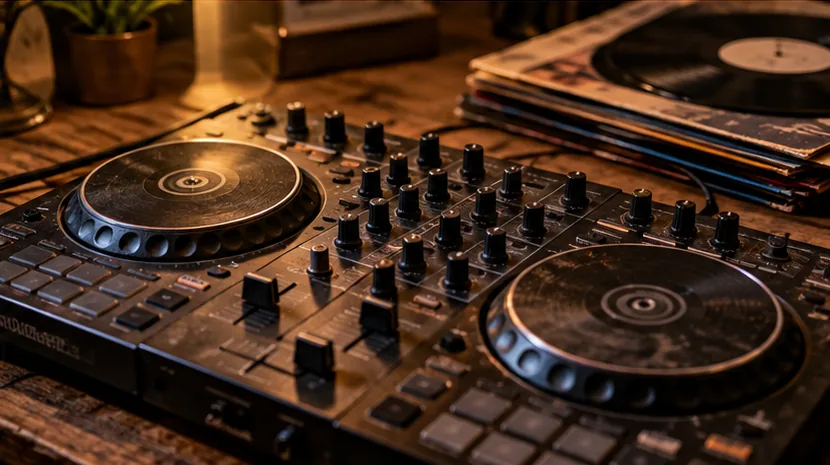
| Check | Why it matters |
|---|---|
| Power and startup | Intermittent power faults can be difficult and expensive to trace. |
| All audio paths | One good output does not prove the rest of the hardware works. |
| High-wear controls | Faders, buttons, encoders, platters and sockets reveal real use. |
| Current support | Digital hardware may outlive drivers, firmware or software support. |
| Missing parts | Cases, PSUs, adapters and licences can erase the saving. |
Why the DDJ-1000 is still attractive
The DDJ-1000 remains desirable because it offers a full-size four-channel layout with large jog wheels and a workflow that feels closer to professional club equipment than many compact controllers. That makes good used examples appealing, but age and heavy gig use can also make condition vary dramatically.
The highest-risk parts to test
Check both jog displays, jog touch response, channel faders, crossfader, cue buttons, performance pads, headphone cue, booth output and every master output. Pay special attention to the USB connection and power socket because intermittent connections can turn an apparent bargain into an unreliable gig controller.
Software and computer compatibility
Do not assume an old review proves compatibility with your current operating system. Check the latest Pioneer DJ / AlphaTheta support information and your exact rekordbox version.
If the controller is being sold with a claimed software licence, verify what is actually transferable rather than paying extra for an account or code you may not be able to use.
What should be included
A correct power supply is essential. A fitted case or bag can add real value if it is the right size and condition. Missing USB leads are cheap to replace; missing proprietary or model-specific items deserve more attention. Factor replacement costs into the price before negotiating.
When to walk away
Walk away from random audio dropouts, liquid damage, unreliable USB connection, damaged jog displays or sellers who will not let you test the main outputs. Cosmetic wear is acceptable at the right price; unstable core functions are not.
Seller-meeting checklist
- Ask how long the seller has owned it and where it was used.
- Test the exact functions you will depend on, not only power-on.
- Check serial/model information and the correct power supply.
- Inspect for liquid residue, impact damage and loose sockets.
- Confirm current software/firmware support when digital features matter.
- Price missing accessories and transport protection before negotiating.
Related FirstFader equipment or technical reference →
Check the products mentioned in this guide
Paid links. FirstFader may earn a commission from qualifying purchases at no extra cost to you. Check the exact model, seller, price, condition and delivery terms before ordering.
Pioneer DJ DDJ-1000
Prices and stock are not shown because they change. Read the affiliate disclosure.