
Buying a Used Standalone DJ System: What to Test Before Paying
A seller-meeting checklist for screens, USB slots, audio outputs, power, software and repair risk.
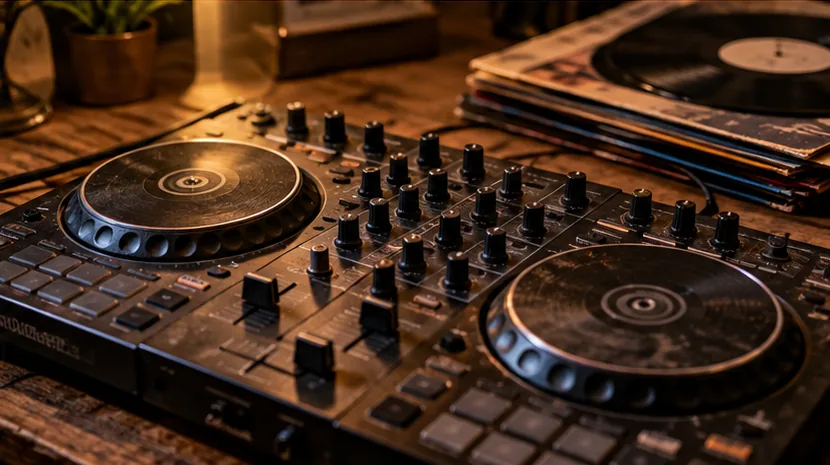
Standalone does not mean nothing can go wrong
A standalone DJ system combines players, mixing controls, screens and internal computing in one box.
Fewer external devices can make live use convenient, but a damaged touch screen, USB port or power supply may cost more to repair than a worn fader on an inexpensive controller.
Compare the exact model and revision with its manufacturer's support information before travelling to collect one.
Verify power and boot behaviour first
Ask the seller to use the correct power supply and demonstrate a cold start. Watch for boot loops, unusual messages, unresponsive buttons or fan noise beyond the model's normal behaviour.
Confirm that the screen remains stable after ten or fifteen minutes rather than testing only for a few seconds. Do not accept a claim that 'it just needs an update' without checking what the update is meant to fix.
Test both decks and the mixer section
Load known-good tracks to both decks. Check play, pause, cue, jog response, tempo adjustment, EQ, trim, channel faders, crossfader and headphone cue.
Move controls through their range at sensible levels; intermittent audio, crackling or skipped encoder values deserve further investigation. Test both channels independently so one working deck does not disguise a defect in the other.
Test USB and library behaviour with your own files
Prepare a small, legitimate playlist in a format supported by the model. Make sure you can browse, load and analyse the files as expected.
Remember that some newer DJ products use different export-library formats from older ones; the correct file format alone does not guarantee the player will recognise the exported library. If possible, test every physical USB port separately.
Outputs and connections are part of the price
Use headphones and, where practical, a suitable speaker or mixer to test master, booth and microphone connections. Check whether original power adapters, cases, USB cables, rack ears or protective covers are included.
Cosmetic scuffs are less important than a loose mains socket or a poorly repaired jack. Request clear photographs of the serial label and all connectors.
Decide what risk you are buying
Compare the used asking price with alternatives that have easier-to-find parts or current manufacturer support. Account for transport, replacement accessories and whether firmware updates are still available. Walk away from a seller who will not allow a reasonable functional test. You can pair this checklist with our used controller inspection and Gear Archive.
Further reading from official sources
Related guides
- Used DJ Controller Inspection: A 15-Minute Test
- Is an Old DJ Controller Still Worth Buying?
- Do Used DJ Controllers Include Software Licences?
- Browse current and discontinued equipment
- Build a DJ setup that fits your budget
Browse used standalone DJ systems
Paid affiliate links. FirstFader may earn a commission from qualifying eBay purchases at no extra cost to you. Used condition and seller terms vary, so inspect the exact listing carefully.
Related used searches
Listings change continuously. Read the affiliate disclosure.