
DJ Emergency Music Backup: Keep the Room Going When Gear Fails
A simple plan for failed USB sticks, crashed laptops and unavailable streaming connections.
Build a backup plan before you need it
A performance can lose its main music source because a USB drive is unreadable, software freezes, a laptop loses power or an internet connection drops.
The point of a backup is to maintain a safe and understandable route to music while you investigate—not to create a complicated second system that is just as fragile as the first.
Separate music backup from hardware backup
A spare USB with a properly exported playlist helps only if a compatible player is available. A duplicate audio file on the same laptop will not help when that laptop fails.
Think in independent layers: an alternative copy of the library, an alternative playable source and a safe way to feed that source to the available speakers or venue mixer.
Make a tested fallback playlist
Choose thirty to sixty minutes of familiar, dependable tracks that fit several parts of the event. Prepare them in a format supported by the backup player, and test playback in advance.
Keep a small selection of tracks with clear intros and outros. If your primary set depends on streaming, an independently usable offline fallback is especially important where permitted by your music access terms.
Agree on the emergency audio connection
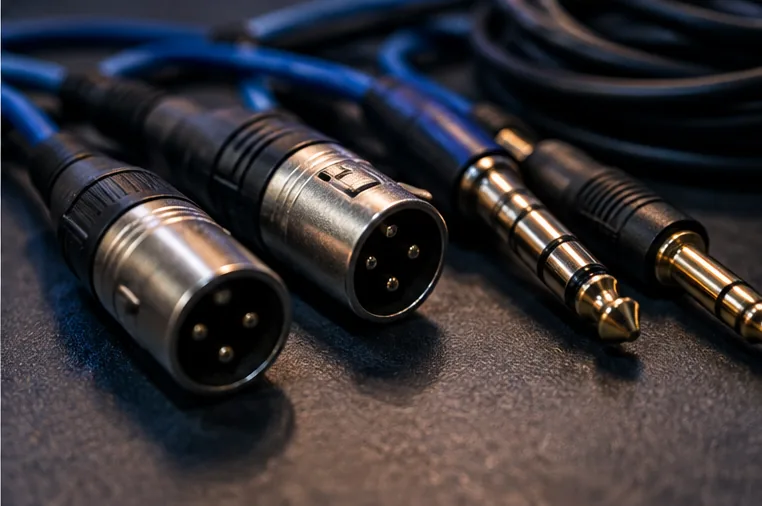
Before a paid gig, identify a spare mixer channel or other appropriate input that the venue technician approves. Test the fallback at a low level and label its cables.
Never plug a headphone output into an unfamiliar input at maximum volume; keep the volume low initially and use the correct connections. If an electrical fault or damaged cable is suspected, stop and involve the responsible technician.
Practise one failure at a time
At home, simulate a DJ app crash: stop the primary audio deliberately and switch to the tested backup. Time how long it takes without rushing. Then simulate losing the main USB.
Your aim is a repeatable response you can perform calmly, not flawless invisibility. For a real event, explain the plan to anyone supporting the sound system.
Keep the recovery simple
If the primary source returns, verify it privately before switching back. Do not immediately reset all mixer channels or turn up every gain control. After the gig, record which component failed and fix the underlying cause. Start with the broader mobile DJ backup plan for cable and hardware checks.