
Master vs Booth Output on DJ Mixers: What Goes Where?
Learn the difference between the audience feed, booth monitoring and headphone cueing, especially at gigs.
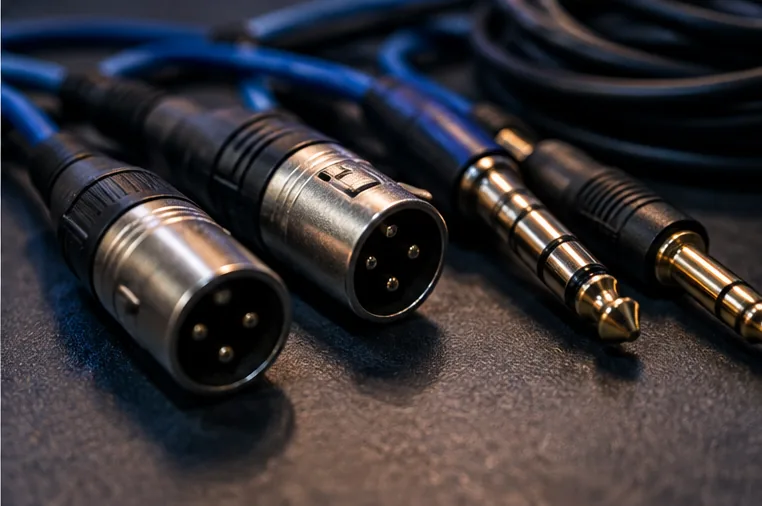
Three outputs, three jobs
A DJ mixer may provide master, booth and headphone outputs. The master typically supplies the main audio system for the audience. The booth output is intended for local DJ monitoring where the hardware provides it. Headphone cueing is the separate preview path used to prepare tracks privately. Exact routing and control behaviour vary by mixer; not every compact controller has a booth output.
Why booth monitors matter
In a large room, the main PA can be far away, angled away from the DJ or delayed by acoustics and system processing. That makes precise cueing and timing difficult if you rely on distant sound.
A properly positioned booth monitor supplies a more immediate reference near the performer. The volume should be comfortable, not used as a contest with the PA.
Independent control is useful
A booth level control often changes only the local monitoring volume, leaving the audience's master feed unaffected. The inverse is also important: turning down the booth should not be assumed to mute the venue's main system.
Some mixers offer booth EQ or separate outputs with unique routing; consult the manual for your exact model.
No dedicated booth output?
A beginner controller may provide only a stereo master and headphone cue socket. This is not a design flaw for home use. For a venue, ask whether monitoring can be supplied through an appropriate mixer or audio distribution arrangement.
Avoid splitting outputs with improvised adapters when it may create incorrect levels or an unreliable signal path.
A practical soundcheck
Start with all levels low. Confirm the main signal reaches the approved venue mixer or PA. Then establish the booth monitor separately, and finally check headphone cueing with a track not playing to the audience.
Ask someone to listen from the room while you adjust only the booth knob; the audience level should not unexpectedly jump.
Before a club handover
Learn which controls belong to the DJ mixer and which belong to the venue's sound system. Don't change installed master gain, processing or speaker settings without permission. If the booth sounds bad, tell the engineer rather than trying to fix it using extreme EQ across every channel. Our booth changeover guide walks through the practical handoff.