
How to Choose Your First DJ Controller: A Decision Checklist
Pick a controller by software, audio connections, space and realistic use—not by the number of flashy controls.
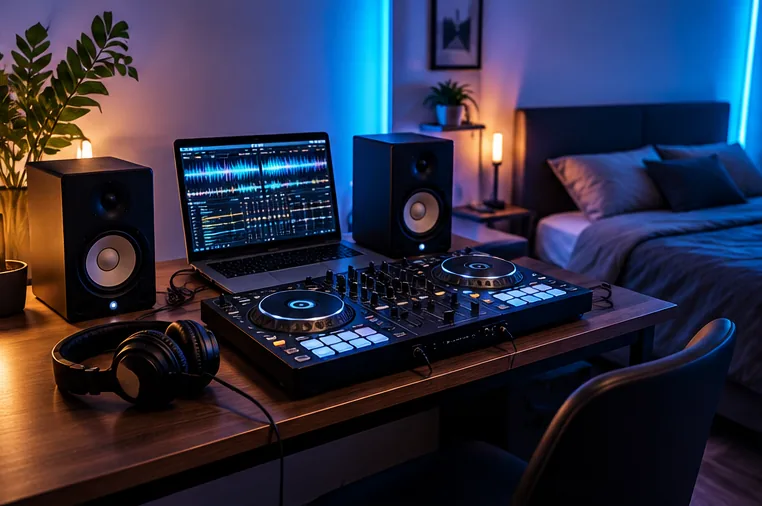
Start with the DJ software, not the price tag
A controller is only useful if the software and hardware work together on the computer or device you plan to use. Start by checking official supported-hardware lists for your preferred application, including your operating-system version.
A model may offer basic MIDI control in one application but only its advertised full functionality in another. Do not assume that a used controller automatically includes a transferable paid licence.
Decide where your music will be heard
For bedroom practice, a pair of suitable powered monitors or headphones may be enough. For playing small events, you may need a reliable way to feed a venue mixer or PA system.
Check the actual output sockets before buying: some inexpensive controllers offer an RCA master output, while others include balanced connections.
The presence of an XLR socket is not a substitute for planning the sound system, but it can make integration easier with some rigs.
Prioritise the controls you will practise with
Two independently controlled decks, channel faders, EQ, pitch control and clear headphone cueing make an excellent basic platform. Pads, effects and performance modes can be fun, but they are not essential for learning phrasing or a clean blend.
If you favour scratching, jog-wheel feel and crossfader response become more important. If you plan to carry the controller regularly, measure its dimensions and weight as well as its features.
Budget for a usable setup, not a box
Check whether you already own wired headphones, compatible speakers, appropriate cables and a suitable computer.
Some USB-powered controllers do not include a power adapter because they rely on a host device; other products require specific power arrangements.
If your budget is fixed, it may be better to choose a modest controller with good monitoring rather than spend the entire amount on hardware you cannot hear properly.
Should you buy a second-hand controller?
Used gear can be excellent value when it remains supported. But ask the seller to demonstrate every major fader, pad, jog wheel, audio output and headphone cue function.
Check software support for the exact model generation, not just the series name. Factor in missing USB cables, power supplies, cases and possible replacement parts; a cheap listing can become expensive once these are added.
Use this five-question shortlist
- Does the exact model work with my operating system and intended DJ software?
- Can I cue tracks independently in headphones?
- Does it offer the outputs I need now and within the next year?
- Can I fit, transport and power it where I will DJ?
- Do the controller, headphones, cables and speakers fit my total budget?
Once you have two viable choices, compare their differences using the Gear Archive and check the proposed combination using the Setup Builder.