
Line vs Phono on a DJ Mixer: Which Input Should You Use?
Understand the different signal levels and why a turntable, controller and laptop cannot always use the same input setting.
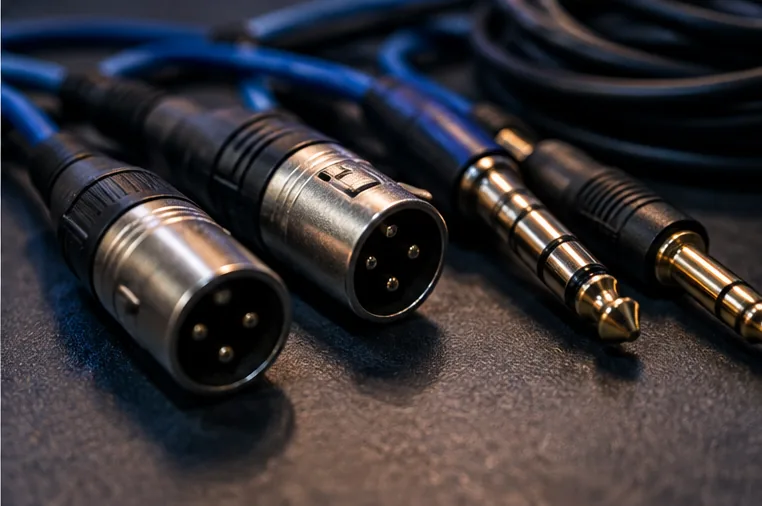
The labels describe different signals
A mixer may have sockets marked LINE, PHONO or MIC, sometimes with a selector to choose between them. The fact that a cable physically fits does not make the signal correct.
Ordinary controller master outputs are typically intended for a line-level input. Traditional turntables with phono cartridges often produce a much lower signal that requires appropriate amplification and equalisation before it becomes a normal line-level signal.
What happens when you choose the wrong one
A line-level signal fed into a phono preamp can overload it and sound badly distorted. A turntable plugged into an unsuitable line input may sound very quiet or tonally wrong if no appropriate phono stage is present.
A microphone input is designed for a different source again. These differences exist independently of whether the socket happens to be an RCA connector.
A simple connection decision
- Controller or DJ player's normal master output: usually route to a suitable line input on a mixer or powered speaker, subject to the actual device manual.
- Traditional turntable cartridge output: use a compatible phono input or a correct external phono preamp before line input.
- Standalone microphone: connect to an appropriate mic input with its intended gain arrangement.
Some turntables contain a switchable built-in preamp. When switched to LINE, they can generally feed a suitable line input; when switched to PHONO, they require external phono amplification. Check the particular model, because not every turntable offers the same switching arrangement.
Why a cable adapter won't solve the signal problem
An RCA-to-jack cable changes connector shape, not the fundamental level or equalisation of the electrical signal. If you connect two devices and receive noisy, distorted or very weak audio, check the input setting and the source's intended output rather than collecting more adapters.
Quick pre-gig test
Mute or lower the channel, connect the correct source to the approved input, set gain conservatively and slowly bring up the level while listening. Watch channel meters and avoid clipping. If your setup uses venue infrastructure, confirm the correct input with its technician. For the broader route from controller to speakers, read the audio signal flow guide.